MIDI Split

MIDI Split allows you to send MIDI notes to two different groups based on the note, the MIDI channel, or the velocity. You can sen send each group either to all the effects, to dry, or to Bus 1 or Bus 2.
Type
Choose how the high and low parts are split.
- Notes: Notes over (and including) the split point will go to low. Notes under the split point go to “high”.
- MIDI CH: Notes over (and including) the split channel will go to low. Notes under the split channel go to “high”.
- Velocity: Notes over (and including) the split velocity will go to low. Notes under the split velocity go to “high”.
Split Point
Choose the split note, split MIDI Channel, or split velocity for the effect.
Low and High redirect
Choose the MIDI channel and the Bus to which “low” and “high”
* The MIDI channel of the notes may be further changed down the effects chain.
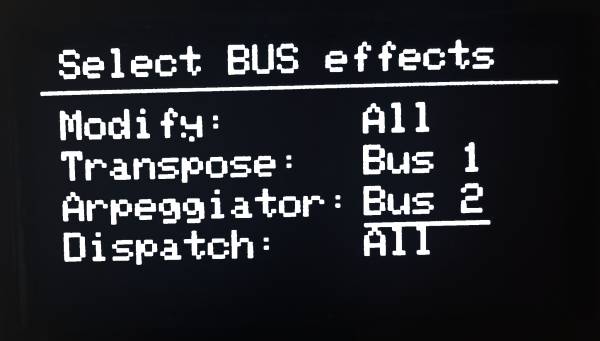
BUS Mapping
Choose which effect will go to each Bus.
* Effects will go to all buses by default.